
You can make a side project look good without being a designer by swapping taste for a few fixed rules: one typeface, five or six font sizes, a 4px spacing scale, one brand colour plus a set of greys, and a component library that already looks consistent. Then copy layout patterns from products you admire, check that your text passes the 4.5:1 contrast ratio, and review every screen with a squint test before you ship. The goal is not pretty. The goal is a product that looks cared for, so a stranger trusts it with an email address or a card number.
This is for developers building a small web app on nights and weekends around a day job. Tools and standards are linked and were checked in October 2026. The worked example near the end is made up and labelled. If you have not decided what the first version does yet, start with scoping a side project MVP you can ship on weekends; there is no point polishing screens you will cut.
Why does looking trustworthy matter for a side project?
People judge your product before they read a word of it. Five fonts, cramped buttons and grey-on-grey text say "this might not be here next month", even if the code is excellent. That matters most on the first visit, the signup form and the payment page.
Nielsen Norman Group calls part of this the aesthetic-usability effect: people tend to see attractive products as more usable and forgive minor problems in them. The same article is clear about the limit. A nice design does not save a product with large usability problems, and it can hide small ones from you when you watch people use it.
So the target for UI design for developers is modest: "consistent, readable and calm". That is mostly about removing mistakes, not adding talent.
Why should you pick constraints instead of trusting your taste?
Most developer-made interfaces look messy for one reason: every screen was styled from scratch at 11pm. Padding is 13px here and 18px there, and there are three slightly different blues. Each choice looked fine alone; together they look accidental.
The fix is to decide once and reuse. Refactoring UI, a design book by developer Adam Wathan and designer Steve Schoger written for developers, has whole chapters called "Limit your choices", "Establish a spacing and sizing system" and "Establish a type scale". That is the core of design for non-designers: a short list of allowed values, written down, used everywhere.
Write your rules before you style a single page: one typeface, five or six font sizes, one spacing scale, one brand colour plus neutrals, one corner radius. When you are tempted to add a new value, use the nearest existing one.
Which typeface and font sizes should you use?
You have two good free options. The first is the system font stack: tell the browser to use the operating system's own UI font, so text looks native and nothing extra downloads. The simplest version is font-family: system-ui, sans-serif;, and the Modern Font Stacks project lists fuller stacks by style if you want more control.
The second is one free font made for screens. Inter is a common pick: its site describes it as free and open source under the SIL Open Font License 1.1. One font, two or three weights (regular, medium or semibold, bold) is plenty. Skip a second "display" font for headings.
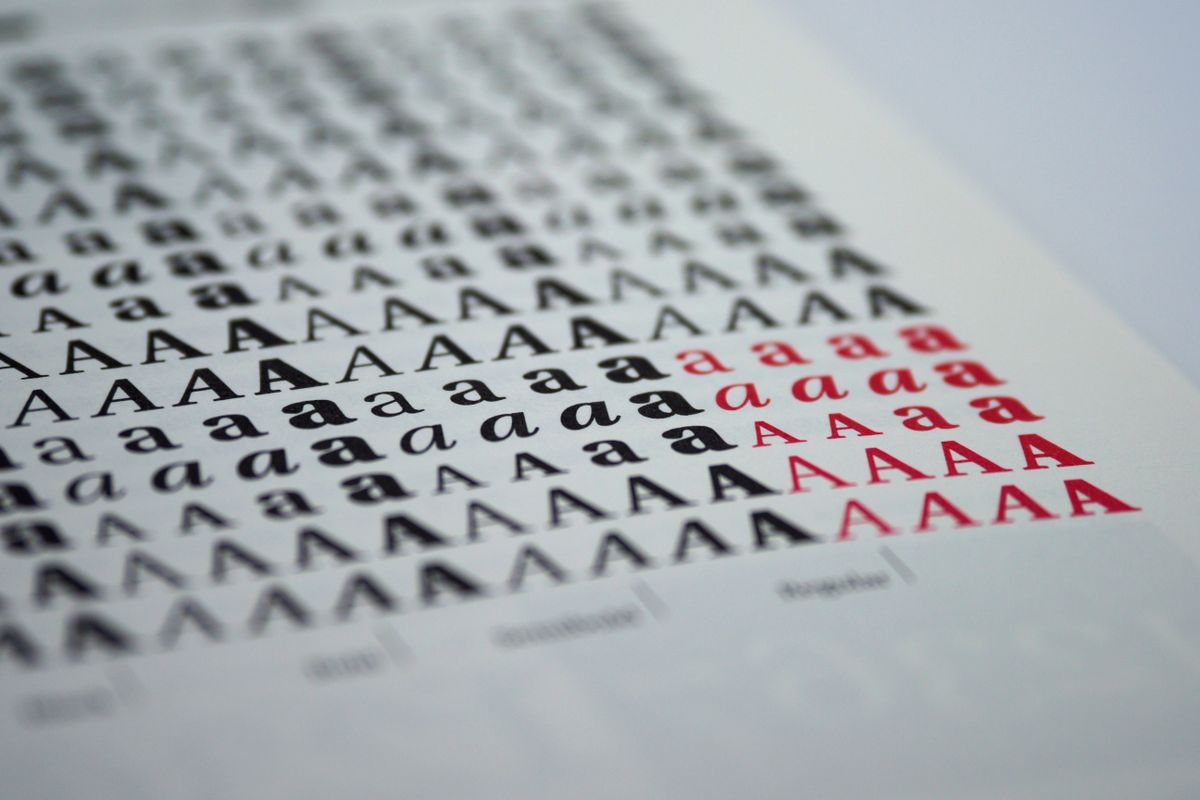
For sizes, pick a small scale and stick to it. A starting point I use, not a standard: 12, 14, 16, 20, 24 and 32px. Body text at 16px, secondary text at 14px, tiny labels at 12px, and three heading sizes. Two habits matter more than the exact numbers:
Line height around 1.5 for body text, tighter for big headings.
Keep lines of text short. Put long text in a narrow column, not the full width of a wide monitor.
How do you set up spacing so nothing feels cramped?
Use a spacing scale built on 4px: 4, 8, 12, 16, 24, 32, 48, 64. Every margin, padding and gap in the product comes from that list.
Three rules do most of the work:
Start with more space than feels right, then remove some. Refactoring UI makes the same point in its chapter "Start with too much white space".
Related things sit closer than unrelated things. A label and its input: 4 or 8px. One form group and the next: 24px. One section and the next: 48 or 64px. If the gaps are all equal, nothing looks grouped.
Align to a few edges. Pick a left edge for each column and make text, inputs and buttons start on it.
How do you pick a color palette for a web app?
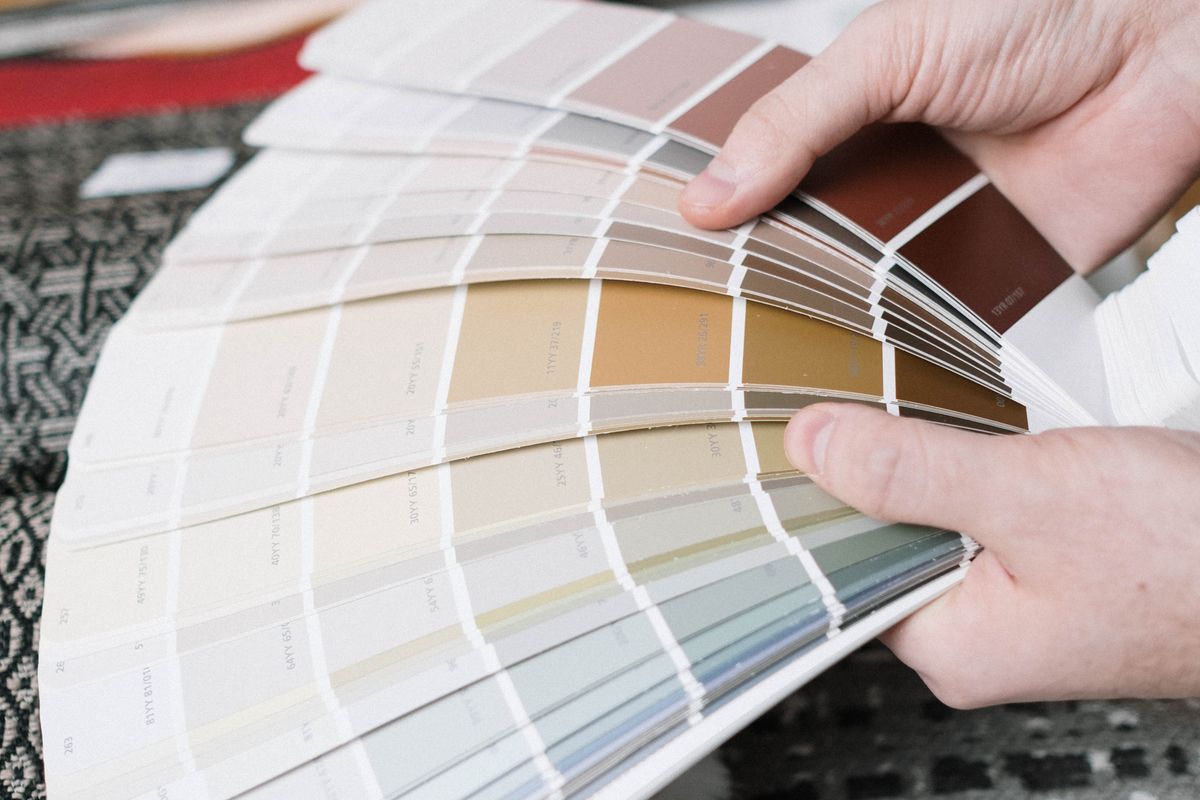
Pick one brand colour and spend most of your effort on the greys. A typical screen is mostly background, text and borders; the brand colour belongs on the main button, links and selected items.
You need several shades of each colour. The Tailwind CSS default palette gives every colour 11 steps, from 50 (lightest) to 950 (darkest), a good place to borrow shades from even without Tailwind. A workable palette:
Brand: one hue, about five shades (a very light tint for backgrounds, the main shade for buttons, a darker one for hover and text links).
Neutrals: about eight greys, from page background to body text.
Status: red for errors and destructive actions, amber for warnings, green for success. Use them only for those jobs.
Then check contrast. WCAG's Contrast (Minimum) criterion asks for a contrast ratio of at least 4.5:1 for normal text and 3:1 for large text (about 18 point, or 14 point bold). The Non-text Contrast criterion asks for 3:1 for things people need to see to use a control, like an input border or a focus ring. Paste your pairs into the WebAIM contrast checker; pale placeholder text and white text on a bright brand colour are the usual failures. Near launch, also run a one-day accessibility pass before launch.
What goes in a starter design system for a side project?
For a side project, a design system is one short file of design tokens (named values) your CSS reads from, plus a page showing every component once. Here is a template. The values are my starting points, not rules; set them once, then leave them alone.
Token | Starter value | Where it is used |
|---|---|---|
Font family | System stack, or Inter | Everything |
Font weights | 400, 500 or 600, 700 | Body, labels and buttons, headings |
Font sizes | 12, 14, 16, 20, 24, 32px | Labels, secondary text, body, three heading levels |
Line height | 1.5 body, 1.2 headings | All text |
Spacing | 4, 8, 12, 16, 24, 32, 48, 64px | Every margin, padding and gap |
Brand colour | One hue, about 5 shades | Main button, links, selected states |
Neutrals | About 8 greys | Background, borders, body and muted text |
Status colours | Red, amber, green | Errors, warnings, success only |
Radius | One value, for example 6px (plus full round for pills and avatars) | Buttons, inputs, cards |
Shadow | Small (cards) and large (menus, dialogs) | Things that float above the page |
Content width | A narrow column for text, a wider one for tables | Page layout |
Put the tokens in CSS custom properties or your framework's theme file, and ban raw hex codes and pixel values everywhere else. That one rule keeps it from drifting.
Should you use a component library or a UI kit?
Yes, almost always. A good library gives you buttons, inputs, menus and dialogs that already match and handle focus properly. Choose one that fits the stack you already know, which is the same rule as choosing a side project tech stack you can still maintain. A few well-known options, described from their own sites:
shadcn/ui: a set of accessible components whose code is copied into your project, so you edit it directly. Its docs say it is "not a component library" but a way to build your own.
Radix Primitives: unstyled, accessible, open source React components. You bring the styling; Radix also offers a styled set called Radix Themes.
Pico CSS: a minimal, lightweight CSS starter kit that styles plain semantic HTML. Good for a server-rendered app or a tool where you do not want a JavaScript UI layer.
Tailwind Plus: UI components and templates from the creators of Tailwind CSS. Check its pricing page before you plan around it.
Pick one and use it everywhere; mixing two libraries brings back three slightly different buttons. Theme the library with your tokens instead of overriding each component.
Where do you find layouts worth copying?
Layout is where non-designers lose the most time, and it is the easiest part to borrow. Settings pages, sign-in forms and dashboards have settled patterns that people expect.
Reference libraries help: Mobbin collects searchable screenshots of mobile and web apps, and SaaSFrame collects real SaaS website and product UI examples. Or keep a folder of screens from tools you like.
Copy structure, not brands. Take the arrangement (where the filters sit, how a settings page is grouped, what goes in a table row) and rebuild it with your own tokens. Never copy another product's logo, illustrations, colours or wording.
How do you get hierarchy, alignment and whitespace right?
Hierarchy means the most important thing on a screen is obviously the most important. Before styling a screen, decide what a person comes here to do and which single action follows.
One primary button per screen. Make it the brand colour. Everything else is a secondary (outlined or grey) or plain text button.
Use weight and colour, not just size. A softer grey for secondary text often beats bigger headings.
Fewer borders. Refactoring UI suggests swapping borders for space, a background tint or a light shadow. Boxes around everything make a page look busy.
Left-align text. Centre only short, standalone things, like a heading above a small form.
What about icons, images, empty states and dark mode?
Icons: use one icon set, in one style and one stroke width. Lucide (a community-made icon toolkit) and Heroicons (SVG icons from the makers of Tailwind CSS) both cover most product needs. Mixing sets looks unfinished. Label any icon whose meaning is not obvious.
Illustrations and photos: use them sparingly, from one source in one style.
Empty states: when a list has nothing in it yet, say what will appear there and give the one button that fills it. One sentence is enough.
Homepage top section: one sentence on what it does, one button, and a real view of the product. The same visual rules apply.
Dark mode: only if it is cheap. If your library and tokens already support a dark theme, switching it on is a small job. If it means building and contrast-checking a second palette by hand, skip it for version one.
How do you review your own design without a designer?
You do not need taste to spot problems, just repeatable checks before each release:
The squint test. Lean back and squint at the screen until the text blurs. The most important thing should still stand out. If three things fight for attention, demote two.
Screenshot side by side. Screenshot your screen and one from a product you admire that does the same job, at the same width, and put them next to each other. Differences in spacing and font sizes jump out.
Grayscale check. Look at the page with colour removed (most operating systems have a grayscale display setting). If you can still tell what is clickable and what is an error, you are not relying on colour alone.
Phone check. Open it on your own phone, not just a resized desktop window.
Token check. Search your styles for raw hex codes and odd pixel values.
What are the most common non-designer mistakes?
If you want to make a side project look professional quickly, fix these first:
Weak | Better |
|---|---|
Three fonts, picked screen by screen | One typeface in two or three weights |
Font sizes like 13, 15, 17 and 19px all on one page | A scale of five or six sizes, nothing in between |
Padding values typed by eye | Every gap from a 4px scale |
Brand colour on every button, heading and border | Brand colour on the main action and links only |
Light grey text that fails 4.5:1 | Checked text and background pairs |
Boxes and borders around everything | Space and light background tints to group things |
Icons from three sets | One icon set, one stroke width |
Two component libraries mixed together | One library, themed with your tokens |
A made-up example: Solenne and Trowelnote
Everything in this example is invented: the person, the product and every detail. Solenne is a payroll accountant who builds in the evenings. Her side project, Trowelnote, is a garden diary: you log what you planted, where and when, and it reminds you when to sow the next batch. In this story the code works, but the app looks unfinished, and the gardeners she shows it to hesitate before signing up.
Solenne gives herself one weekend and does not touch a feature:
She replaces two fonts with the system font stack and cuts eleven font sizes down to six.
She writes a token file: a 4px spacing scale, one leafy green as the brand colour, eight warm greys, one 6px radius.
She moves her hand-built buttons, inputs and dialogs onto one component library and themes it with those tokens.
She checks her pale green button text in a contrast checker, finds it fails, and darkens the button shade instead of changing the text.
She borrows the layout of a planting calendar from a tool she likes, rebuilt in her own colours and words.
She runs the squint test on the main screen and turns three bright buttons into one primary and two plain text buttons.
In this made-up story, the next gardener starts logging seeds without asking if it is finished. That is the realistic win: no doubt.
A weekend plan to make your side project look good
Two evenings and a weekend is enough for a first pass. Timings are suggestions.
When | Task | Done when |
|---|---|---|
Evening 1 | Collect 5 to 10 screens from products you admire; write your token file (font, sizes, spacing, colours, radius, shadow) | One reference folder and one tokens file |
Evening 2 | Pick one component library; theme it with your tokens; build a page showing every component once | Buttons, inputs, menus and dialogs match |
Saturday morning | Restyle your most-used screen with tokens and library components only | No raw hex codes or odd pixel values on that screen |
Saturday afternoon | Restyle signup, sign-in and payment or upgrade screens | The screens that ask for trust look like the rest |
Sunday morning | Contrast-check every text and background pair; swap in one icon set | All text pairs pass 4.5:1 (3:1 for large text) |
Sunday afternoon | Squint test, screenshot side by side, grayscale and phone checks; fix the top five problems | A short list of what you fixed and what you left |
When is it worth paying a designer?
Constraints and a library carry most side projects a long way. Paying someone makes sense in a few cases:
A logo. A small, clearly scoped one-off job that a designer will do better than you.
A few hours of review. Book a designer for a short call or a written review of your three main screens after you have applied the rules above.
When looks are the product, for example something sold to designers.
It is usually not worth it before anyone uses the product, or for a full redesign while you are still finding users.
FAQ
Can a developer learn UI design?
Yes, at the level a side project needs. Most of it is rules and checks: a type scale, a spacing scale, a small palette, contrast checks and a review habit.
How many colours should a web app have?
One brand colour with a few shades, about eight greys, and red, amber and green for status.
Do I need a logo before I launch?
No. A clean wordmark (your product name in your one typeface, maybe in the brand colour) is fine for a first launch. Get a proper logo once people are using the product.
Make it consistent, then make it yours
Pick your rules this week, apply them to the screens people see first, and squint before every release. When your side project is ready for more eyes, share it on SideHunt.