



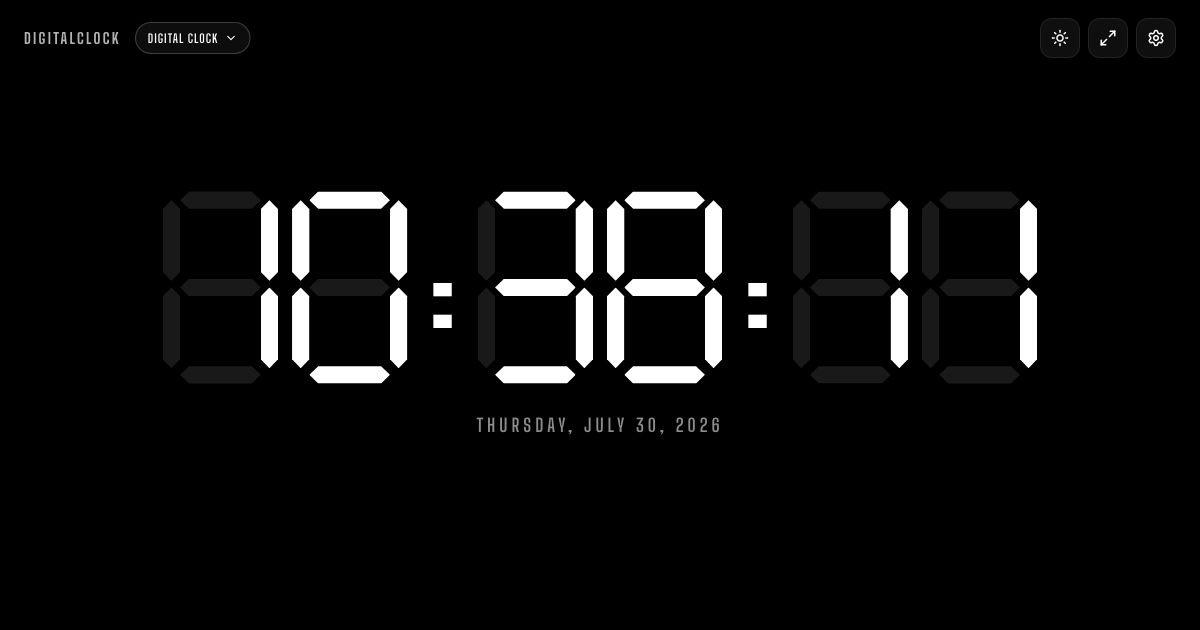
Free online digital clock with seconds, 12 / 24-hour format, eight LED colors, fullscreen mode, and.
Features
A Free Online Digital Clock for Any Screen: DigitalClock is a browser-based digital clock that fills your entire screen with large, high-contrast LED digits — eight colors, seconds, and 12 / 24-hour format included.
Use Cases: No install, no signup, no account: open the tab and it's just the time, readable from across the room.
How to Use: Five ways people use this clock every day.
Features: Keep a clean clock in the corner of your desk, second monitor, or laptop while writing, coding, or deep-focus work.
FAQ: The large readable digits make it effortless to glance at the time without breaking flow.
More Clock Styles & Tools: Place the clock on a second monitor or in OBS to track stream duration and real-time hours for your audience.
Use Cases
For individuals and small teams
Individuals and small teams can use DigitalClock to get more done with less effort. By using the features above, you can focus on what matters and rely on DigitalClock for clarity and structure. The clear layout and straightforward options help reduce guesswork and improve outcomes.
For professionals and larger teams
Professionals and larger teams can use DigitalClock as a central tool for their workflow. The combination of features and reliability makes it suitable for scaling use. Whether you are evaluating options or already committed, DigitalClock fits into your process and supports better decision-making.
Benefits
Clear outcomes: With structured features and straightforward options, users can approach tasks with greater confidence.
Time savings: The platform streamlines common tasks so you can focus on higher-value work.
Better decisions: Access to clear information and context helps reduce guesswork and supports informed choices.
Ease of use: The interface is designed to be approachable for all skill levels while still supporting advanced needs.
Conclusion
In summary, DigitalClock is a practical tool that combines useful features with an approachable experience. By offering clear features, use cases for different audiences, and tangible benefits, DigitalClock helps users work more effectively. Whether you are getting started or scaling up, DigitalClock is designed to support your goals.
The platform is regularly updated and built with modern standards, so you can expect ongoing improvements and reliable performance. Many users find that integrating DigitalClock into their workflow quickly becomes second nature. Since everything runs entirely client-side with no backend server and no data collection whatsoever, the page loads almost instantly on any device and fully respects visitor privacy while doing exactly one job well: showing the time, clearly and reliably, whenever you need it.



Community
Comments
Sign in to post a comment
No comments yet
Be the first to comment!