




FramioCam: Screenshot & Screen Recording Studio
FramioCam is a Chrome extension and in-browser studio for capturing, editing, and sharing screenshots and screen recordings without needing another desktop app. Whether you’re documenting a bug, creating a product walkthrough, explaining a workflow, or sharing something you found online, FramioCam gives you the tools to capture it and turn it into something worth sharing.
Capture Anything on Your Screen
Capture a browser tab, application window, or your entire display. For screenshots, you can grab the visible viewport, capture a full page, select a specific area, or build a batch of captures from multiple URLs. Keyboard shortcuts make frequent captures quick and effortless.
For screen recording, FramioCam can record a browser tab, application window, or entire screen, with support for microphone and system audio. You don’t need to keep a separate recording application open while working.
Make Screenshots Look Better
A raw screenshot is rarely ready to share. FramioCam lets you turn it into a polished visual with device frames, browser mockups, backdrops, backgrounds, positioning, cropping, and other visual adjustments.
Add annotations such as text, arrows, boxes, highlights, blur, numbered steps, and magnifiers when you need to explain something clearly. You can also add cursor and click effects to make recorded interactions easier to follow.
Edit Recordings on a Real Timeline
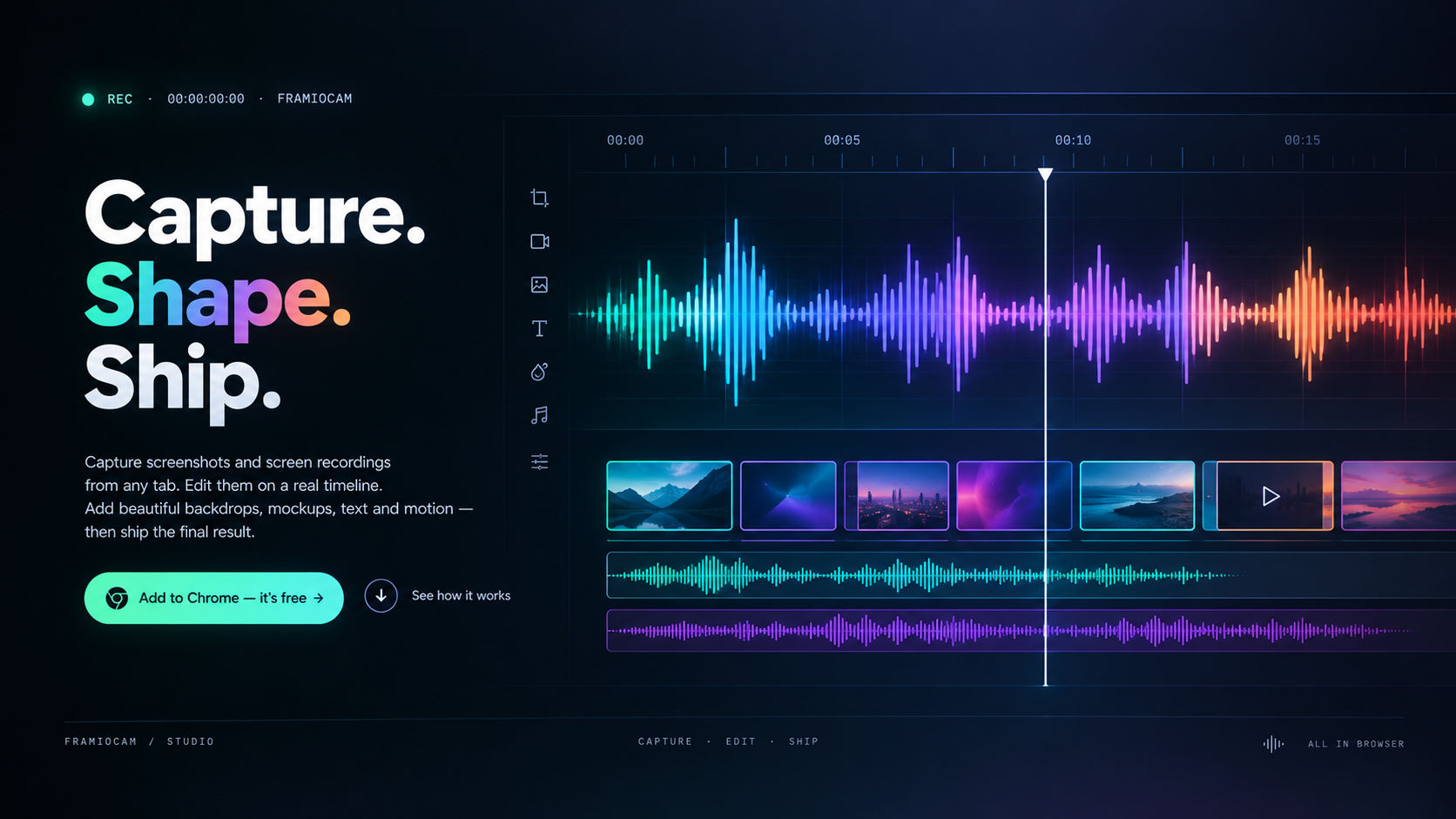
FramioCam includes a full timeline editor for working with screen recordings. Trim and split clips, move sections around, remove unwanted parts, and create a smoother presentation with transitions and fades.
You can also combine multiple clips and add elements such as webcam footage, cursor effects, zooms, annotations, and sound effects. Export your finished work as MP4, WebM, GIF, or other supported formats.
Everything Stays on Your Machine
Privacy is a core part of FramioCam. Your screenshots and recordings are processed directly on your machine inside the browser. Your captures aren’t uploaded to a remote server just to create an export.
When you need to share your work, FramioCam can also connect with cloud storage services such as Google Drive, giving you a convenient way to keep your finished files in your own storage.
Built for Real Work
FramioCam is useful for developers documenting bugs, designers presenting interfaces, marketers creating product demonstrations, support teams explaining solutions, educators creating tutorials, and anyone who regularly needs to show what is happening on a screen.
Instead of switching between a screenshot tool, mockup generator, screen recorder, and video editor, FramioCam brings those workflows together in one place.
Capture it. Make it clear. Share it.



Community
Comments
Sign in to post a comment
No comments yet
Be the first to comment!